.avif)

From Prompt to Production: Turning a Working AI Prototype Into Something a Team Can Use
Key Takeaways
- Most AI initiatives do not fail at the model. They fail in the gap between a prompt that works when a careful person runs it and a system that works when a distracted person runs it forty times a week
- Every prototype carries five hidden assumptions: clean input, a forgiving reviewer, benign cases, an expert operator, and no cost ceiling. Production violates all five simultaneously
- The evaluation set is the highest-leverage artifact in the entire effort. Fifty labeled examples built in a day will do more for your outcome than another month of prompt refinement
- Treat prompts as code: version-controlled, reviewed, tested against a regression suite before deployment, and never edited directly in production
- Design the human review gate deliberately. Confidence routing (auto-process the confident cases, escalate the uncertain ones) converts an unreliable system into a useful one without pretending the reliability problem is solved
- The interface is the last mile and the most commonly botched step. For most teams, a command inside a tool they already use beats a purpose-built web application nobody remembers exists
- Write your kill criteria before you launch. A project without a defined failure condition never gets shut down; it just quietly consumes attention forever
- A realistic path from working prompt to team-wide production is eight to twelve weeks, and roughly seventy percent of that effort is not prompt engineering
Introduction: The Gap Nobody Budgets For
The pattern is consistent enough to be predictable. Someone on the team, often not an engineer, builds something genuinely impressive. A prompt that drafts the weekly client summary. A workflow that reads inbound requests and categorizes them correctly. An assistant that answers policy questions from the employee handbook. They demo it. The room is convinced. There is real enthusiasm.
Six months later, nothing has shipped. The prototype still exists in someone's browser tab. Occasionally it gets used. Nobody has quite decided it failed, and nobody can say what it would take to finish it.
This is not a story about model capability. The prototype worked; that is the entire premise. It is a story about the distance between a demonstration and a system, and that distance is made of specific, nameable things: input handling, output contracts, evaluation, observability, cost control, access, and ownership.
The encouraging part is that the gap is engineering, not research. It is well-understood, it has a checklist, and it is crossable in weeks rather than quarters. The discouraging part is that almost nobody budgets for it, because the demo made the hard part look done.
The Five Hidden Assumptions in Every Prototype
A prototype works because it is running under conditions that will not survive contact with production. Naming them makes the remaining work obvious.
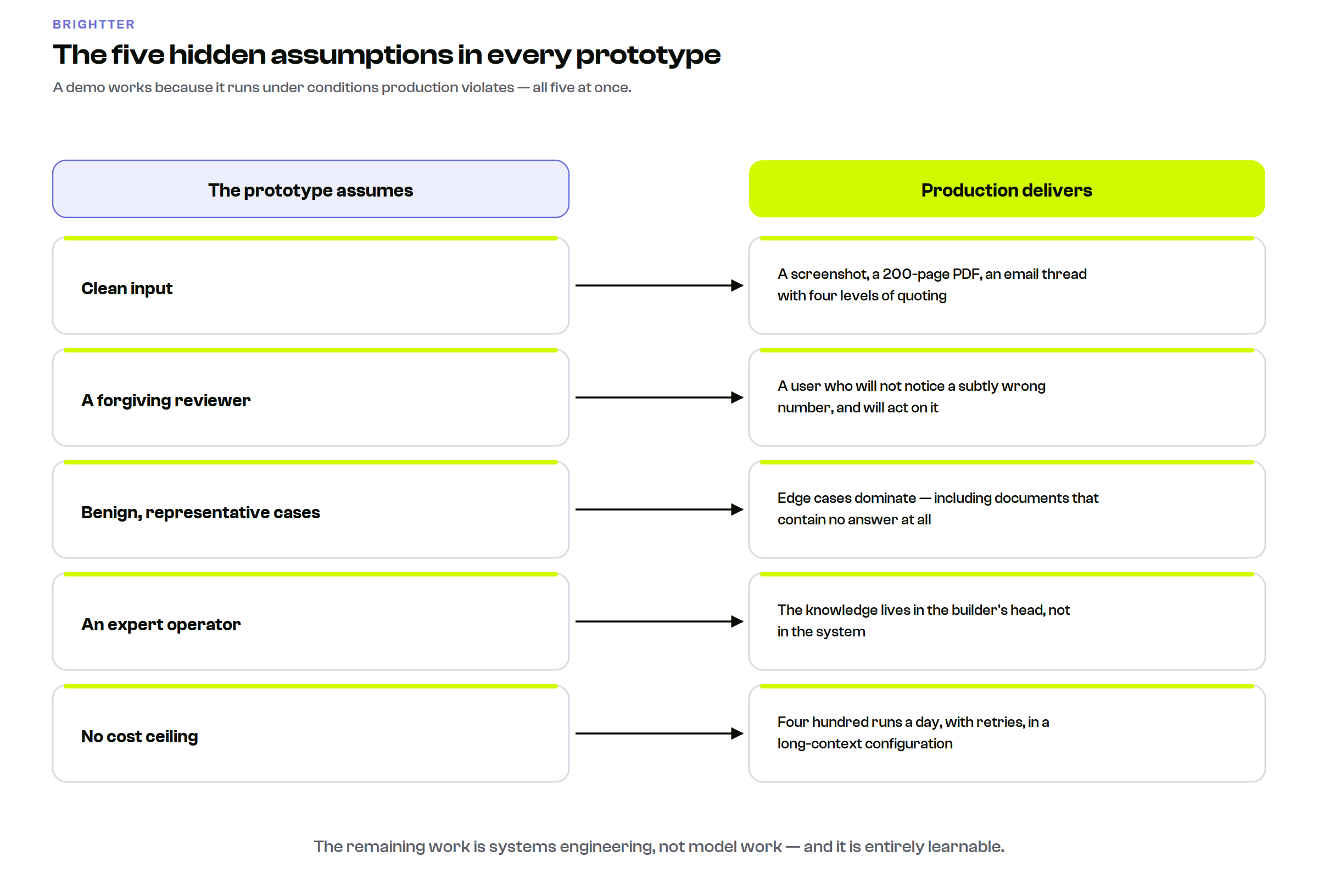
Assumption 1: The input is clean. In the demo, someone pasted a well-formed document. In production, users will paste a screenshot, a 200-page PDF, an email thread with four levels of quoting, a spreadsheet exported to text, and occasionally nothing at all. Roughly half the engineering work in productionizing an AI workflow is input normalization, and it is invisible during the demo phase.
Assumption 2: The reviewer is forgiving. The person running the demo knows what a good answer looks like and mentally corrects small errors. The eventual user does not have that context, will not notice a subtly wrong number, and will act on it.
Assumption 3: The cases are benign. Demos use representative examples. Production is dominated by edge cases: the client with two contracts, the invoice in a different currency, the request that is actually two requests, the document that does not contain the answer at all. The last of these is the most dangerous, because a model asked a question its context cannot answer will often produce something rather than nothing.
Assumption 4: The operator is an expert. The prototype builder knows how to phrase the input, what to do when the output looks wrong, and when to re-run. That knowledge is not in the system; it is in their head. Deployment without externalizing it just distributes the failure.
Assumption 5: Cost does not matter. One run costs pennies. Four hundred runs a day, with retries, in a long-context configuration, is a line item. Nobody notices until the first surprising invoice.
The Seven Dimensions of Production Readiness
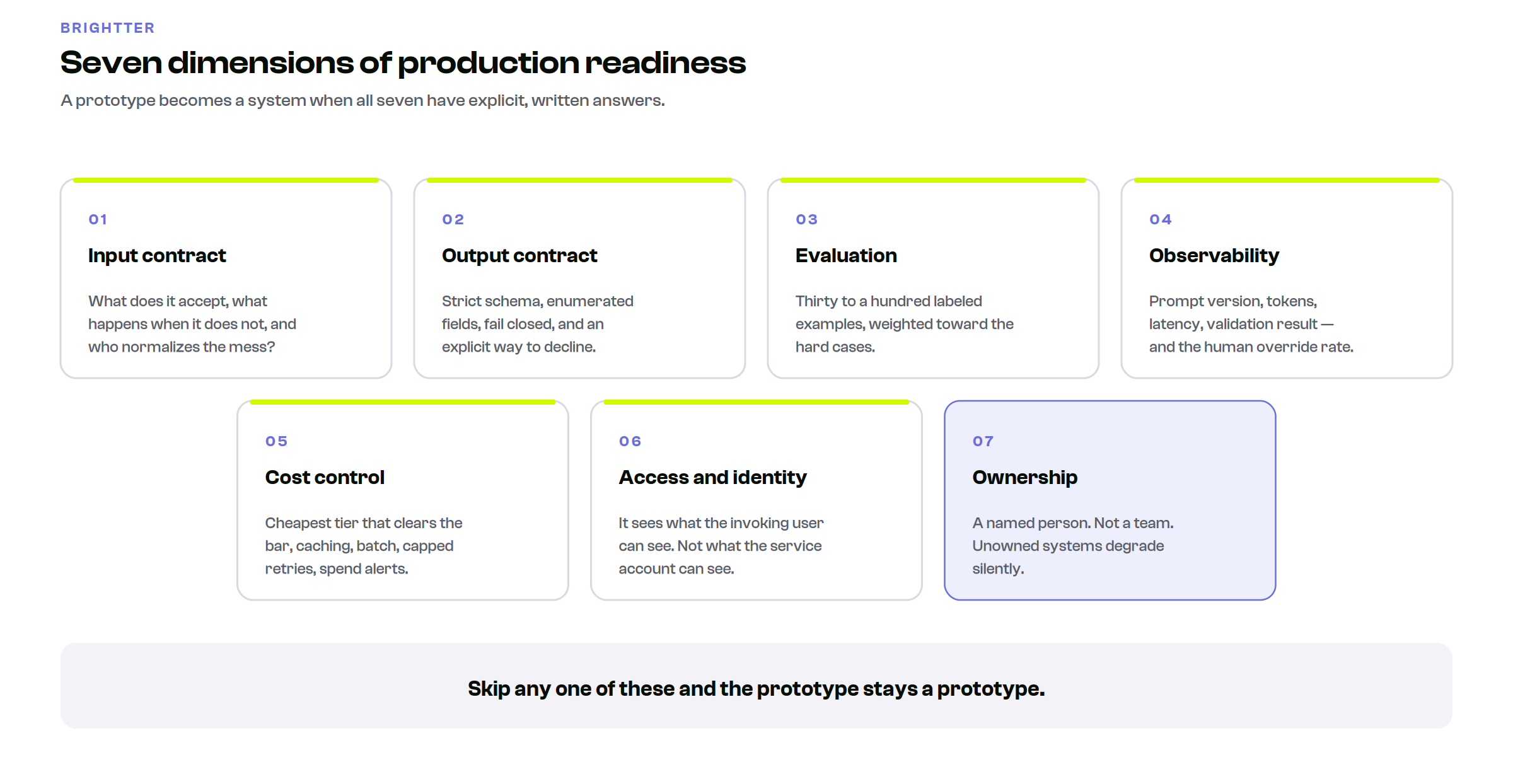
Here is the checklist. A prototype becomes a system when all seven have explicit answers.
1. Input contract
Define exactly what the system accepts, and enforce it at the boundary. Specify accepted formats and a normalization path for each. Set explicit size limits, with defined behavior when exceeded: chunk, truncate with warning, or reject, but decide, because the default failure is silent truncation that produces a confident answer based on half the document. Validate that required fields are present before spending a model call. Sanitize input that will be interpolated into a prompt, since text from untrusted sources can contain instructions.
The test: hand the system to someone who has never seen it and ask them to break it. They will succeed in under five minutes, and every one of those failures is a specification you were missing.
2. Output contract
Define what comes back, in a form a machine can check. Use a strict schema for anything a downstream system consumes. Constrain fields to enumerated values wherever a decision branches on them. Validate every response and fail closed rather than coercing a nearly-correct object into acceptance. Give the model an explicit way to decline (a cannot-determine path with a required reason), because forcing an answer converts uncertainty into confident error.
For workflows that produce prose rather than data, the contract is about provenance: which claims must cite a source, and what happens when they do not.
3. Evaluation
This is the dimension teams skip, and skipping it is the difference between a system you can improve and one you can only argue about.
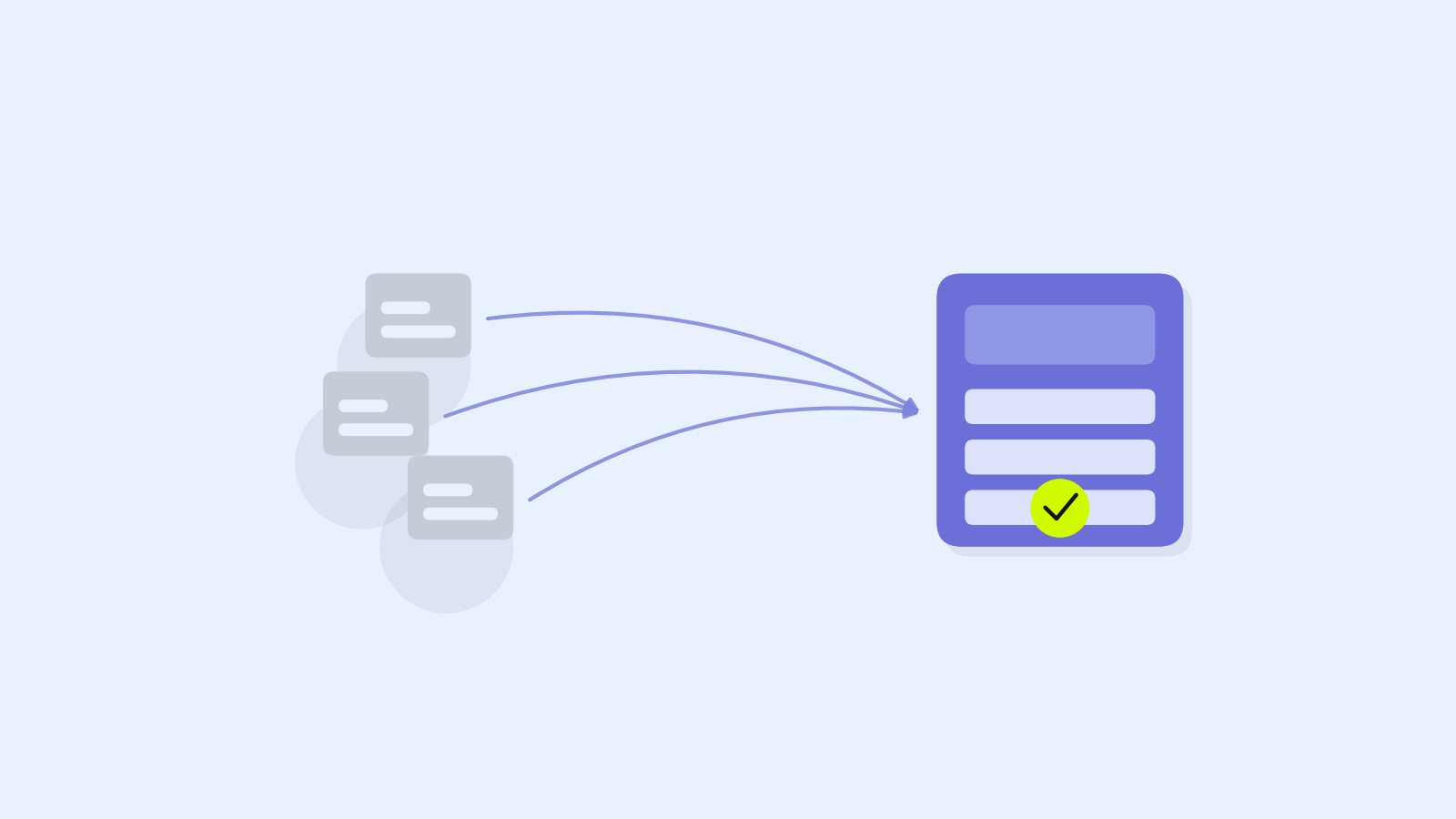
Build a golden set of thirty to a hundred examples with known-correct outputs, drawn from real work and labeled by the person whose judgment you trust most. Deliberately over-represent the hard cases: ambiguous inputs, edge formats, and, critically, cases where the correct output is a refusal or an escalation.
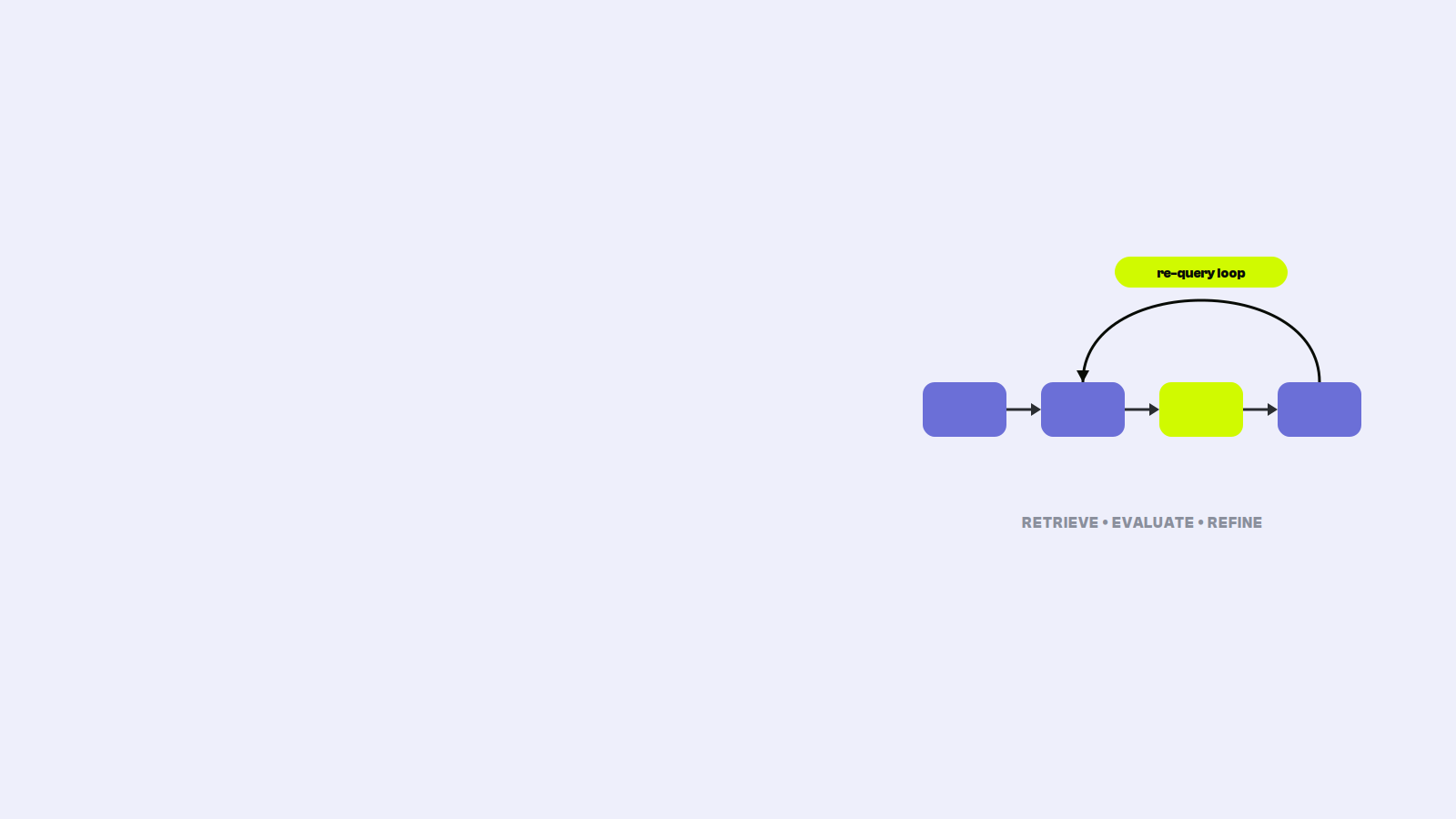
Define what correct means before you measure anything. For extraction, field-level exact match. For classification, precision on the class that carries consequences. For generation, a written rubric applied by a human on a sample, or a structured LLM-as-judge pass validated against human grades on a subset. Then run the set on every change. Not occasionally: every change.
Fifty examples take about a day to assemble and will improve your outcome more than another month of prompt tinkering, because without them every prompt edit is a guess and you have no way to detect that fixing one case broke three others.
4. Observability
You cannot operate what you cannot see. Log every request and response with a correlation ID, the prompt version, the model and parameters used, token counts, latency, and the validation result. Capture failures with enough context to reproduce them. Build a simple dashboard: volume, error rate, p95 latency, cost per day, and the rate at which humans override the output. That last metric is the most valuable one in the system and the one almost nobody instruments.
Set alerts on rate-of-change rather than absolute thresholds. A validation failure rate that triples overnight is nearly always an upstream data format change, and you want to know within the hour rather than at the end of the month.
5. Cost control
Estimate cost per run from real samples, in both directions, and multiply by realistic volume including retries. Then put guardrails in place before launch, not after the invoice. Route work to the cheapest model tier that clears your accuracy bar, and verify that claim with your golden set rather than assuming. Cache the stable portion of your prompt. Use asynchronous batch processing for anything that does not need an immediate answer, which is most back-office work. Cap retries. Set a hard per-user and per-day spend limit with an alert well below it.
6. Access and identity
Decide who can run it, on what data, and how that is enforced. Ensure the system respects existing permissions rather than creating a path around them. A workflow that reads documents on behalf of a user should see exactly what that user can see, not what the service account can see. This is the most common security defect in internal AI tools and it is usually introduced by accident. Keep credentials in a secret store. Log actions under the invoking user's identity, not a shared service identity, so the audit trail is meaningful.
7. Ownership
Name a person. Not a team, a person. Who fixes it when it breaks at 4pm on a Friday? Who approves prompt changes? Who reviews the cost trend monthly? Who decides when it gets retired? Unowned AI systems degrade silently: the data drifts, the vendor updates a model, an upstream format changes, and quality erodes for weeks before anyone notices, because nobody's job description includes noticing.
Treat Prompts Like Code
The habit that most reliably separates teams that ship from teams that stall.
Store prompts in version control, outside application code, as data. Require review for changes, exactly as you would for a schema migration, because a prompt edit is a schema migration for a probabilistic component. Tag every version and stamp the version into every logged output. Run the regression suite before any change is deployed. Deploy through the same environments as everything else, and be able to roll back in minutes.
The failure this prevents is specific and common: someone tweaks the production prompt to fix a complaint, it fixes that case, it silently degrades a category nobody was watching, and three weeks later quality has dropped with no traceable cause.
Human-in-the-Loop, Designed Rather Than Assumed
A human will review it is not a design. It is a hope. The important question is which outputs a human reviews and what happens next.
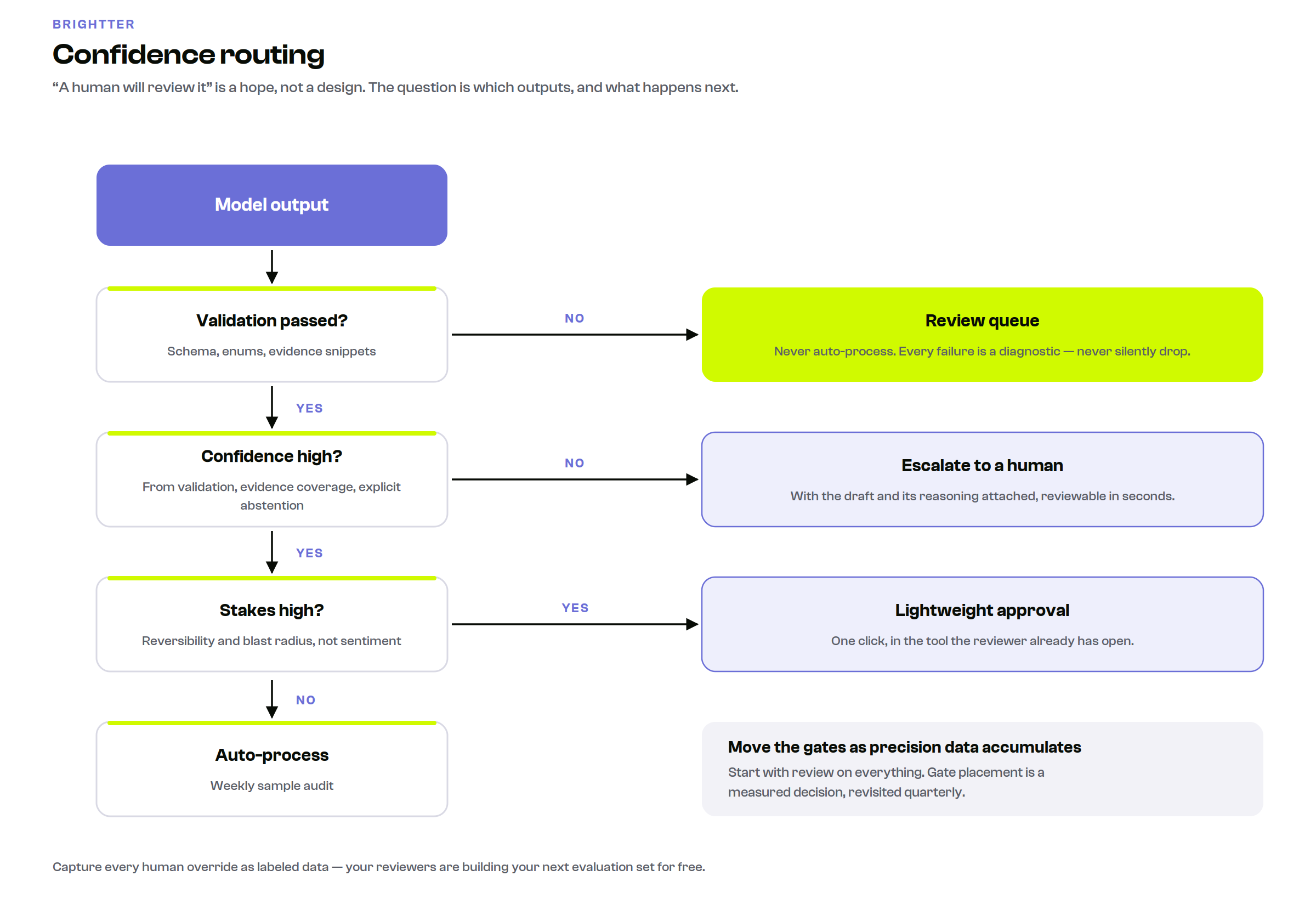
Confidence routing is the pattern that works. The system emits a confidence signal (ideally derived from validation results, evidence coverage, and explicit model abstention rather than from a self-reported certainty score) and routes accordingly:
- High confidence, low stakes: process automatically, sample-audit weekly
- High confidence, high stakes: process with a lightweight approval step
- Low confidence, any stakes: escalate to a human with the model's draft and reasoning attached
- Failed validation: never auto-process; always queue
This converts an imperfect system into a useful one, because it does not require the model to be right every time. It requires the model to be reliably right on the cases it is confident about and reliably willing to escalate the rest.
Two additional design rules. Make the review fast: a reviewer who must open three systems to verify an output will start approving without checking, which is worse than no review. And capture every override as labeled training data, because your reviewers are generating your next evaluation set for free.
Finally, plan to move the gates. Start with review on everything. As precision data accumulates, move the confident, low-stakes categories to sampling. The gate placement should be a measured decision revisited quarterly, not a permanent architectural feature.
The Interface Is the Last Mile
The most common way a technically sound AI system fails is that nobody uses it.
The instinct is to build a web application. For most teams this is the wrong call, because it creates a destination people must remember to visit. Adoption is inversely proportional to the number of new habits a tool requires. Better options, roughly in order of adoption success:
- Inside a tool the team already lives in. A command in the chat platform where work already happens. A function inside the spreadsheet where the analysis already happens. An action in the ticketing system where the tickets already are. Zero new habits.
- Triggered by an existing event. No interface at all: the workflow fires when a form is submitted, a file lands, or a record changes status. The best interface is often no interface.
- A scheduled output. A digest that arrives at 8am. Nobody needs to remember anything.
- A dedicated application. Justified when the workflow is genuinely complex, sustained, and central to a role. Rarely the right first step.
A useful diagnostic: if this tool disappeared, how long before someone complained? If the honest answer is a few weeks, the interface is wrong, not the model.
Change Management Without the Buzzword
Three things determine adoption, and none of them are technical.
Find the one person who wants it. Not the most senior person, but the one who feels the pain most acutely and is willing to use something imperfect. Build for them specifically. A tool that one person uses daily is infinitely more valuable than a tool ten people used once, because the daily user generates the feedback that makes it good.
Be explicit about what it is not. The fastest way to lose trust is for a user to discover a limitation you knew about and did not mention. Publish the failure modes. Saying that the system misses multi-currency invoices and routes them to review builds far more confidence than silence followed by a discovered error.
Report outcomes, not usage. Time saved on a defined task, error rate before and after, throughput change. Query counts are vanity metrics that impress no one who controls budget.
A Realistic Timeline
For a single well-scoped workflow at a small or mid-sized organization:
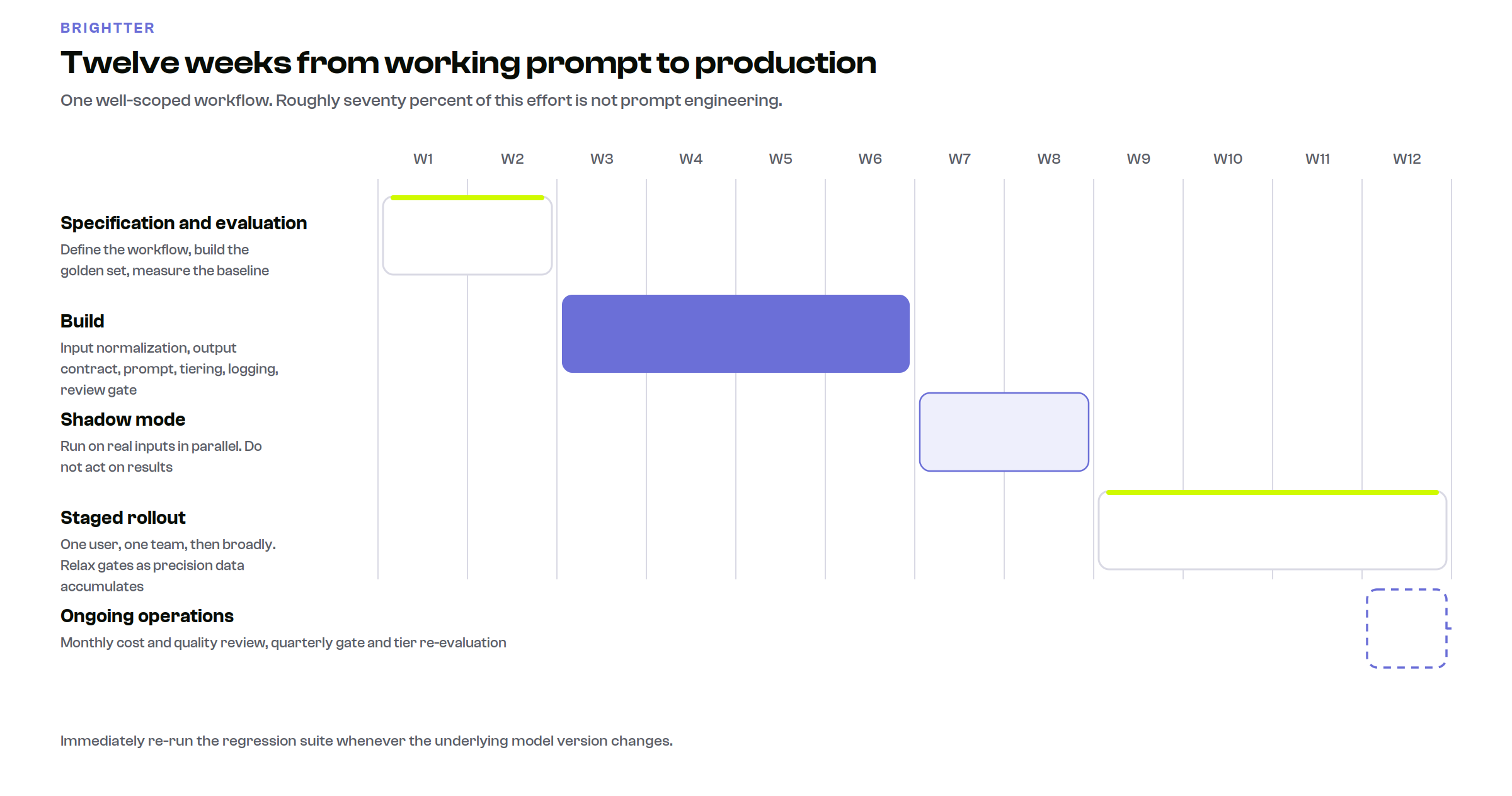
Weeks 1 to 2: Specification and evaluation. Define the workflow precisely, including what happens when it fails. Build the golden set. Establish the baseline: how long does this take today and how often is it wrong today? Without a baseline you cannot demonstrate improvement.
Weeks 3 to 6: Build. Input normalization, output contract and validation, the prompt itself, model tier selection tested against the golden set, logging and cost instrumentation, the review gate. Expect prompt work to be a minority of this effort. If it is the majority, the surrounding system is probably underbuilt.
Weeks 7 to 8: Shadow mode. Run on real inputs in parallel with the existing process. Compare outputs. Do not act on the system's results. This is where you find the edge cases the golden set missed, and there will be several.
Weeks 9 to 12: Staged rollout. One user, then one team, then broadly. Review on everything initially, relaxing gates as precision data accumulates. Weekly review of overrides and failures for the first month.
Ongoing. Monthly cost and quality review, quarterly re-evaluation of gate placement and model tier, immediate regression run whenever the underlying model version changes.
Write Down the Kill Criteria
Before launch, write a single sentence: if this has not achieved a specific measurable outcome by a specific date, we stop.
This is the discipline that most distinguishes organizations that get value from AI from those that accumulate half-finished projects. A project without a defined failure condition never fails; it lingers, consuming attention and eroding institutional confidence in the whole category. Deciding the exit condition while you are still optimistic is much easier than deciding it later, and it makes the successful projects easier to defend because everyone knows the unsuccessful ones get shut down.
The Brightter Perspective
The gap between prototype and production is where most AI investment quietly disappears, and it is almost never a modeling problem. It is a systems problem: input handling, output contracts, evaluation, observability, cost governance, review design, and ownership.
What makes this frustrating for smaller organizations is that the prototype phase requires almost no specialized expertise (which is genuinely good news, and is why so many good ideas surface from outside engineering), while the production phase requires exactly the discipline that a small team has the least slack to develop from scratch.
At Brightter, we work with organizations at precisely this transition: taking a workflow that already demonstrably works and building the evaluation set, the contracts, the instrumentation, and the review design that turn it into something a team relies on. The prompt is rarely the hard part. Everything around it is, and it is entirely learnable.
Conclusion
The prototype was never the hard part, which is why it felt so easy. What separates a demo from a system is a checklist: define the input, constrain the output, build the evaluation set, instrument everything, control the cost, respect existing permissions, and name an owner. Version prompts like code. Design the review gate rather than assuming one. Put the interface where people already work. Write the kill criteria while you are still optimistic.
None of it is research. All of it is skippable, which is precisely why so many promising prototypes are still sitting in a browser tab.
If your organization has an AI workflow that works in a demo and has not made it into daily use, that gap is the work. Start a project at brightter.com/start-a-project.
Frequently Asked Questions
Why do AI prototypes fail to reach production?
Because a prototype runs under conditions production violates. Demos assume clean input, a forgiving reviewer who mentally corrects small errors, representative rather than edge cases, an expert operator who knows how to phrase requests and spot bad output, and no cost ceiling. Production breaks all five at once. The remaining work is systems engineering rather than model work: input normalization, strict output contracts, an evaluation set, observability, cost controls, permission handling, and a named owner. It is well understood and typically takes eight to twelve weeks for one workflow.
What is an evaluation set and why does it matter for AI projects?
An evaluation set, often called a golden set, is thirty to a hundred real examples with known-correct outputs, labeled by the person whose judgment you trust most, deliberately weighted toward hard cases and cases where the correct answer is a refusal or escalation. It matters because without it every prompt change is a guess: you cannot tell whether an edit that fixed one complaint silently broke three other categories. Building fifty examples takes roughly a day and improves outcomes more reliably than another month of prompt refinement.
How should a business handle human review of AI outputs?
Design it rather than assuming it. Confidence routing is the pattern that works: derive a confidence signal from validation results, evidence coverage, and explicit model abstention, then auto-process high-confidence low-stakes cases with weekly sample audits, add a lightweight approval for high-stakes ones, escalate low-confidence cases to a human with the draft attached, and never auto-process anything that failed validation. Make review fast, because a reviewer forced to open three systems will start approving without checking. Capture every override as labeled data.
Should prompts be version controlled?
Yes. A prompt edit is effectively a schema migration for a probabilistic component and deserves the same handling. Store prompts outside application code as versioned data, require review for changes, tag every version and stamp it into logged outputs, run a regression suite against the evaluation set before deployment, and keep rollback available in minutes. This prevents the most common quality failure: someone tweaks the production prompt to fix one complaint, silently degrades a category nobody was monitoring, and quality drops weeks later with no traceable cause.
What is the best interface for an internal AI tool?
Usually not a new web application, because a destination people must remember to visit loses to a capability that appears where work already happens. In rough order of adoption success: a command inside the chat platform, spreadsheet, or ticketing system the team already uses; an event trigger that requires no interface at all, firing when a form is submitted or a record changes; a scheduled digest that arrives on its own; and only then a dedicated application, which is justified when the workflow is complex, sustained, and central to a role. Adoption falls as the number of new habits required rises.