.avif)
The Complete WordPress-to-Webflow Migration Guide (Without Losing Your SEO)
Key Takeaways
- A WordPress-to-Webflow migration is not a redesign — it's a redirect-and-preservation project wearing a redesign costume. Treat it as design work and you'll leak traffic for months.
- The rebuild is the visible 20%. The invisible 80% — URL mapping, content integrity, plugin replacement, and SEO signal preservation — is where migrations succeed or quietly fail.
- Two identical sites migrated the same week can end up +20% or −40% on organic traffic. The only variable is redirect discipline.
- Every WordPress plugin is a decision you've deferred. Webflow replaces some natively, some with an integration, and some not at all — you have to map each one before you move.
- The right migration approach depends on content volume and custom functionality, not on how the old site looks. Four projects wearing the same brief need four different plans.
- The most dangerous migration is the “just make it look the same” one — it hides the SEO and functionality work until launch day, when it's most expensive to fix.
The migration everyone gets backwards
When a company decides to move off WordPress, the conversation almost always starts in the wrong place: what the new site will look like. Fonts, layouts, a fresh homepage. That's the exciting part, so that's where attention goes.
It's also the part that carries the least risk. A talented team can rebuild the look of a WordPress site in Webflow without much drama. What breaks migrations — what turns a confident project into a six-month traffic recovery effort — is everything that has nothing to do with how the site looks. This guide is about that everything, because it's the part nobody quotes for and everybody underestimates.
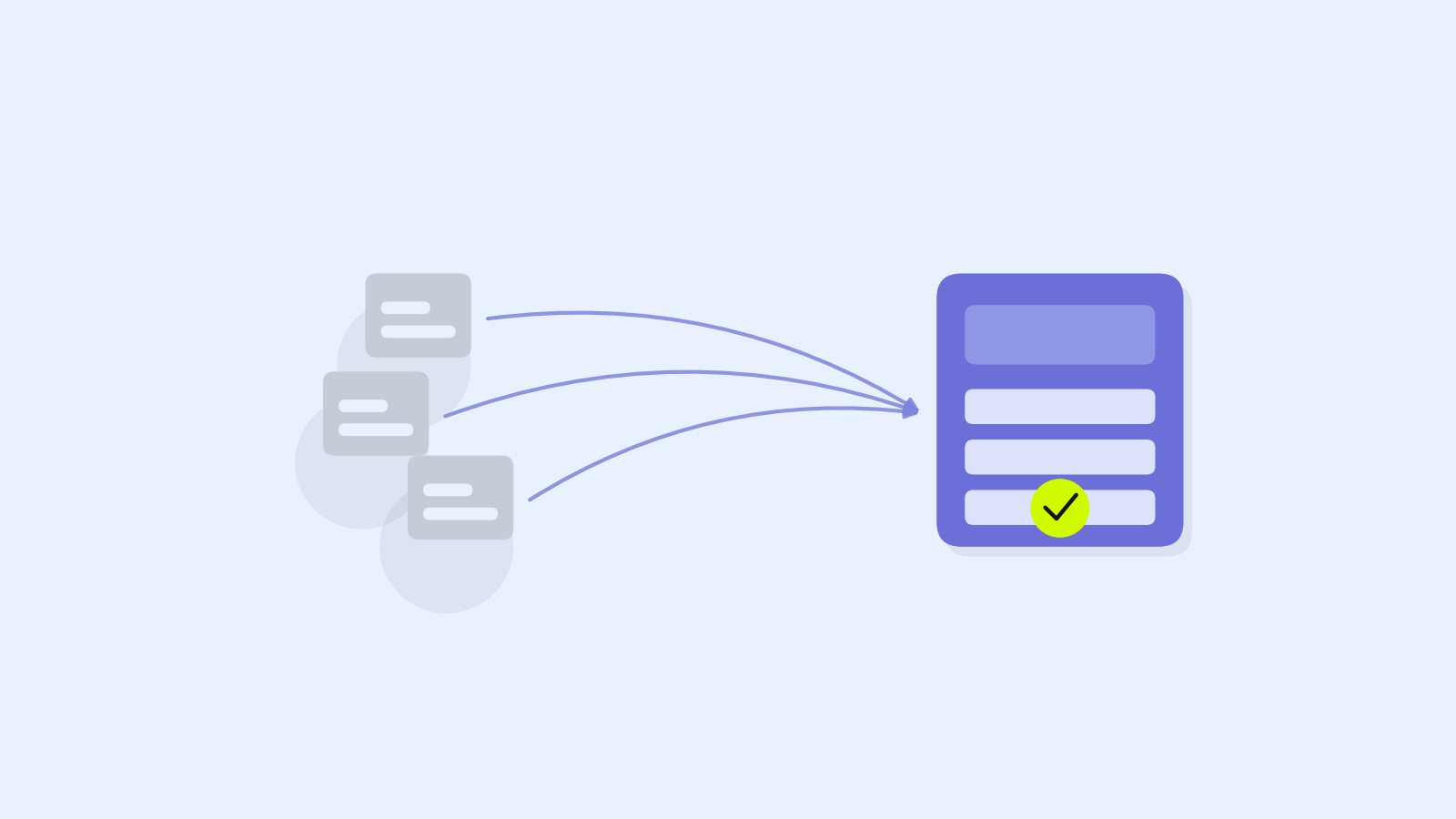
The reframe that makes migrations go well is simple: you are not redesigning a website. You are moving a living system — its URLs, its content, its integrations, its hard-won search equity — from one platform to another, and trying not to drop anything on the way. The redesign is the easy passenger. The move is the job.
Why this is a redirect project in disguise
Here's the fact that reorganizes the whole project. Your WordPress site has, over years, accumulated something you can't see and can't easily rebuild: search equity. Google knows your URLs, has ranked them, and sends you traffic to specific addresses. Every one of those addresses is a small asset.
When you migrate, your URL structure almost always changes. WordPress's /2023/07/post-name/ or /?p=142 becomes Webflow's /blog/post-name. If you don't map every old address to its new home with a permanent redirect, you don't just lose the link — you tell Google the page is gone. Rankings you spent years earning evaporate in weeks, and the traffic goes with them.
This is why two teams can run the “same” migration and end up in completely different places. The team that treats redirects as a core deliverable preserves its equity and often gains, because the new site is faster and better structured. The team that treats redirects as a launch-day afterthought watches its organic traffic fall off a cliff and spends the next two quarters climbing back to where it started.
‹ DIAGRAM A — upload “diagram-2b-traffic-migration.png” here (caption: Two identical sites, migrated the same week. The redirect-disciplined one gains; the careless one loses 40% and takes months to recover.) ›
The Migration Risk Stack: five things that actually break
Every WordPress-to-Webflow migration carries risk in five specific layers. They're listed here in roughly the order they'll hurt you — and in almost every failed migration, the pain traces back to one of these being treated as a detail.
1. URLs and redirects
The single highest-risk layer, and the cheapest to get right if you plan for it. Before you migrate anything, you export a complete list of every live URL — pages, posts, category archives, tag pages, media. Each one needs a destination on the new site and a 301 redirect pointing there. Miss a batch of high-ranking blog URLs and you've handed your competitors a gift. This isn't glamorous work, but it's the work that determines whether your traffic survives.
2. Content integrity
WordPress stores content in a database with its own quirks: shortcodes, embedded media, custom fields, formatting baked into posts. When you move that content into Webflow's CMS, things break in small, easy-to-miss ways — a shortcode that rendered a table now shows raw text, image paths point at the old server, internal links still reference WordPress URLs. At low volume you fix this by hand. At high volume you script the import and validate it, because manually re-entering 400 blog posts is how migrations run six weeks late.
3. Plugin and functionality replacement
This is the layer that surprises people most, and it gets its own section below. Every plugin your WordPress site depends on is a piece of functionality that has to be replaced — natively in Webflow, through an integration, with custom code, or not at all. You can't know the true scope of a migration until you've audited the plugins.
4. SEO signal preservation
Beyond redirects, a site carries dozens of smaller search signals: title tags, meta descriptions, structured data, canonical tags, image alt text, an XML sitemap, a clean internal linking structure. Each one should be deliberately carried across, not rebuilt from memory. A migration that preserves the design but forgets the structured data is a migration that looks finished and performs worse.
5. The cutover
The moment you point your domain at the new site is the riskiest hour of the project. DNS changes, SSL has to be live, redirects have to be active the instant the switch flips, and someone has to be watching search console for crawl errors in the days after. A rushed cutover on a Friday afternoon is how small problems become weekend-long outages.
The arithmetic of a botched migration
Migration risk is abstract until you put a number on it, so let's price a bad one the way it actually costs you.
Say your site earns 10,000 organic visits a month, and those visits are worth something concrete — leads, signups, sales. Put a conservative value of $4 per visit on them (many B2B sites are worth far more). That's $40,000 a month of value flowing through your existing URLs.
Now run the careless migration. Redirects are partial, a chunk of ranking URLs 404, and organic traffic drops 40% in the first month. That's 4,000 lost visits, or $16,000 of value — in month one alone. Recovery isn't instant: it takes a typical site four to six months to claw back, and the cumulative loss over that window easily runs past $60,000.
Against that, the cost of doing redirects properly — a few days of careful mapping and testing — is a rounding error. This is the whole case in one calculation: the redirect work that feels like tedious overhead is the cheapest insurance in the entire project, and skipping it is the most expensive shortcut you can take.
Which migration you're actually running: the scope matrix
Not every WordPress site should be migrated the same way. The right plan is set by two things the old design can't tell you: how much content you're carrying, and how much custom functionality you depend on. Plot your site on those two axes and it lands in one of four zones, each a genuinely different project.
‹ DIAGRAM B — upload “diagram-2a-migration-matrix.png” here (caption: Content volume and custom functionality — not how the old site looks — decide which of four migrations you're actually running.) ›
A small brochure site with few plugins is a Lift & Rebuild — rebuild it clean in Webflow, map the handful of URLs, done in a week or two. A large blog or resource library with simple functionality is a Structured Migration: the challenge is volume, so you script the CMS import and map every URL with care. A small site carrying heavy plugin logic is a Replatform the Logic project — few pages, but each plugin needs a deliberate replacement, and that's where the time goes. And a site that's both large and functionally complex is a Phased Program: don't move it in one leap, move it section by section so you can validate each part before the next.
The mistake is assuming your migration is a Lift & Rebuild because the site looks simple, when it's actually a Replatform because of what's running under the hood. The matrix forces the honest question: how much system am I really moving?
The plugin trap: what WordPress does that Webflow doesn't
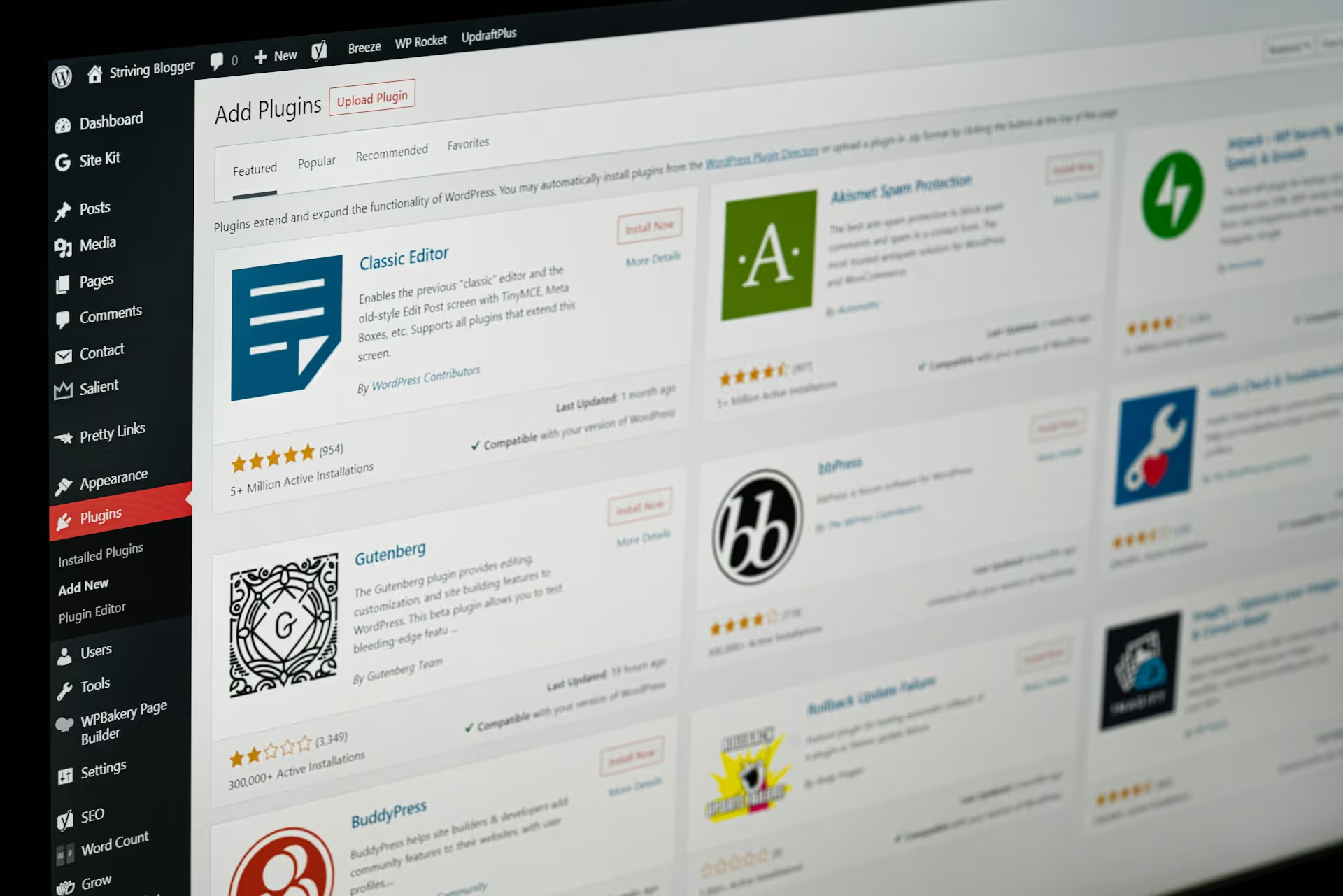
WordPress runs on plugins. A typical site quietly depends on a dozen: forms, SEO, caching, security, a page builder, membership, e-commerce, backups, analytics, maybe a booking or CRM connector. Each one is functionality you've come to rely on without thinking about it — and each one is a decision waiting for you on the other side of the migration.
Webflow handles some of these natively and better: hosting, security, performance, and CDN are built in, so a whole category of WordPress plugins simply disappears (this is one of the real wins of the move). Forms, basic SEO controls, and animations are native too. But others don't have a native equivalent and need an integration — advanced membership, complex e-commerce, marketing automation. And a few things a specific plugin did may need custom code or a rethink of the workflow entirely.
The point isn't that Webflow is missing features — it's that you can't scope a migration honestly until you've made a plugin map: for every plugin, what replaces it, and how much work that replacement is. Teams that skip this step discover on launch day that the members-only area or the multi-step booking flow has no home yet, and that's the worst possible time to find out.
When you should NOT migrate
An honest guide has to include the case against. Migrating off WordPress is often the right move — Webflow gives you a faster site, no plugin maintenance, no security patching, and a visual CMS your team can actually use. But it isn't always the right move, and a good partner will say so.
If your site leans on deep, custom WordPress functionality that has no clean Webflow equivalent — a complex membership system, heavy WooCommerce logic, a bespoke plugin ecosystem someone built for you — the migration cost can outweigh the benefit, and you may be better served improving what you have. If you have thousands of pages and no budget for a careful, scripted migration, a rushed move is worse than staying put. And if the real problem is your content or your messaging rather than your platform, moving to Webflow won't fix it; you'll just have the same weak site on a nicer engine. The most valuable migration advice is sometimes: not yet, or not this way.
Four migration mistakes that cost the most
Once you see a migration as a preservation project, the expensive mistakes become obvious — and they're almost never about the design.
Mistake one: treating redirects as a launch-day task. Redirect mapping is a core deliverable that should start early and be tested before cutover, not scrambled together the night before. This single error causes more migration traffic loss than everything else combined.
Mistake two: auditing plugins last. The plugin map should be one of the first things you do, because it determines the true scope. Discovering a critical piece of functionality has no Webflow home on launch day turns a smooth project into an emergency.
Mistake three: migrating content by hand at volume. Re-entering hundreds of posts manually is slow, error-prone, and the reason migrations blow their timelines. Above a certain volume, the import should be scripted and validated, full stop.
Mistake four: measuring success by how it looks. A migration that ships a beautiful new site while organic traffic quietly falls 40% is a failed migration, however good the homepage looks. Success is measured in preserved rankings and traffic, not in screenshots.
Notice the pattern: every one of these is a failure to respect the invisible 80%. Get the redesign perfect and the preservation wrong, and you've made an expensive downgrade.
The Brightter perspective
We migrate sites from WordPress to Webflow regularly, and the reason we treat the redesign as the smallest part of the job is everything above. Our process starts where the risk is: a full URL export and redirect map, a plugin audit that turns “what does this site actually do?” into a concrete replacement plan, a content migration scripted and validated at volume, and a cutover checklist that treats launch hour as the high-risk moment it is.
As a Webflow Certified Partner — and an official Anthropic Claude Partner — we also tend to build in more than just the migration: a faster, cleaner site is the moment to fix the information architecture, tighten the SEO and AEO structure, and wire in the automations WordPress made painful. But the honest version of our advice is the framework above. Map your URLs, audit your plugins, script your content, preserve your signals, and you'll migrate well whether you hire us or not.
Conclusion
The reason so many WordPress-to-Webflow migrations disappoint is that they're run as redesign projects when they're really preservation projects. The new look is the easy, visible part. The URLs, the content integrity, the plugin replacements, and the search signals are the hard, invisible part — and they're what decide whether you come out of the migration ahead or spend two quarters recovering.
Webflow is a genuine upgrade over WordPress for most companies: faster, safer, easier to maintain, better to build on. But the upgrade only pays off if you make the move without dropping what you already earned. Respect the invisible 80%, plan for the risk stack, pick the migration your site actually needs, and the move becomes what it should be — a step up, not a setback.